
Visual Studio Code#
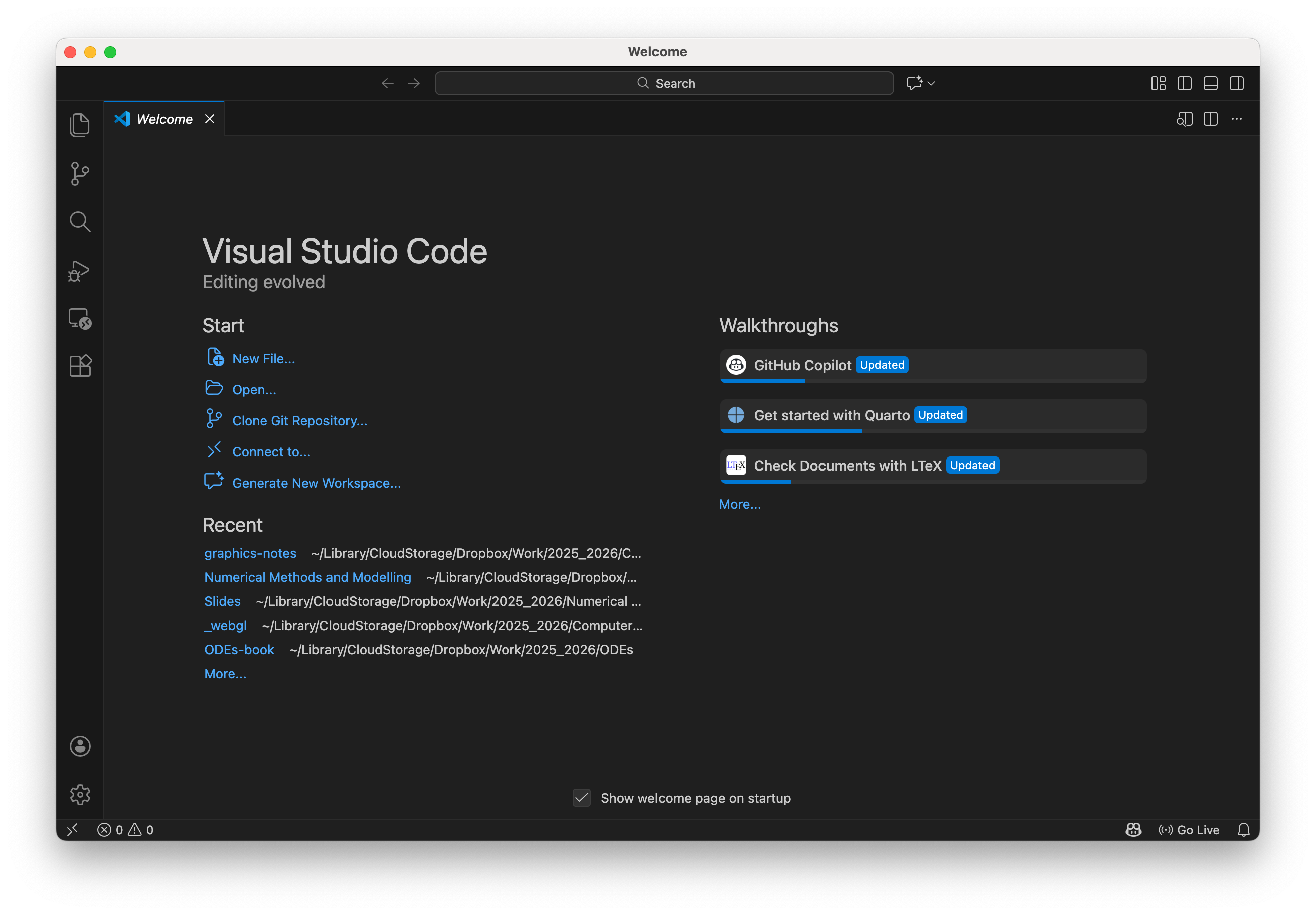
In these materials we will be using Visual Studio Code to write HTML and JavaScript files. Visual Studio Code (often abbreviated to VS Code) is open source software that is available for Windows, macOS and Linux operating systems.
Install Visual Studio Code#
Go to the Visual Studio Code website.
Download and install VS Code for your operating system.
Open VS Code once installation is complete.
Install the Live Server extension#
Live Server allows you to run web pages locally and automatically reload them when files change.
Open Visual Studio Code
Click the Extensions icon in the left sidebar (or press ctrl + shift + X on Windows or Linux, or ⌘ + shift + X on macOS)
Search for Live Server
Install Live Server by Ritwick Dey
Once installed, VS Code may prompt you to reload.